Skip to content
TodoTrail
How it worksLive demoPricingBlog
Sign inCreate my first route
Menu
How it worksLive demoPricingBlogSign in
  1. Home
  2. Planning guides
  3. Best organization apps

Best organization apps

The best organization apps answer one question: what comes next?

Feature lists do not tell you which organization app you will still use next month. Judge them by what they do for a messy Tuesday.

Create my first route See a sample route
  • Judged by messy days, not the demo
  • One current step on a visual route
  • No databases to build before you plan

Best for: Comparing organization tools by the daily problem they solve and matching that to how you work.

Good to know: TodoTrail is a visual daily task route planner, not a notes database, document manager, or team workspace.
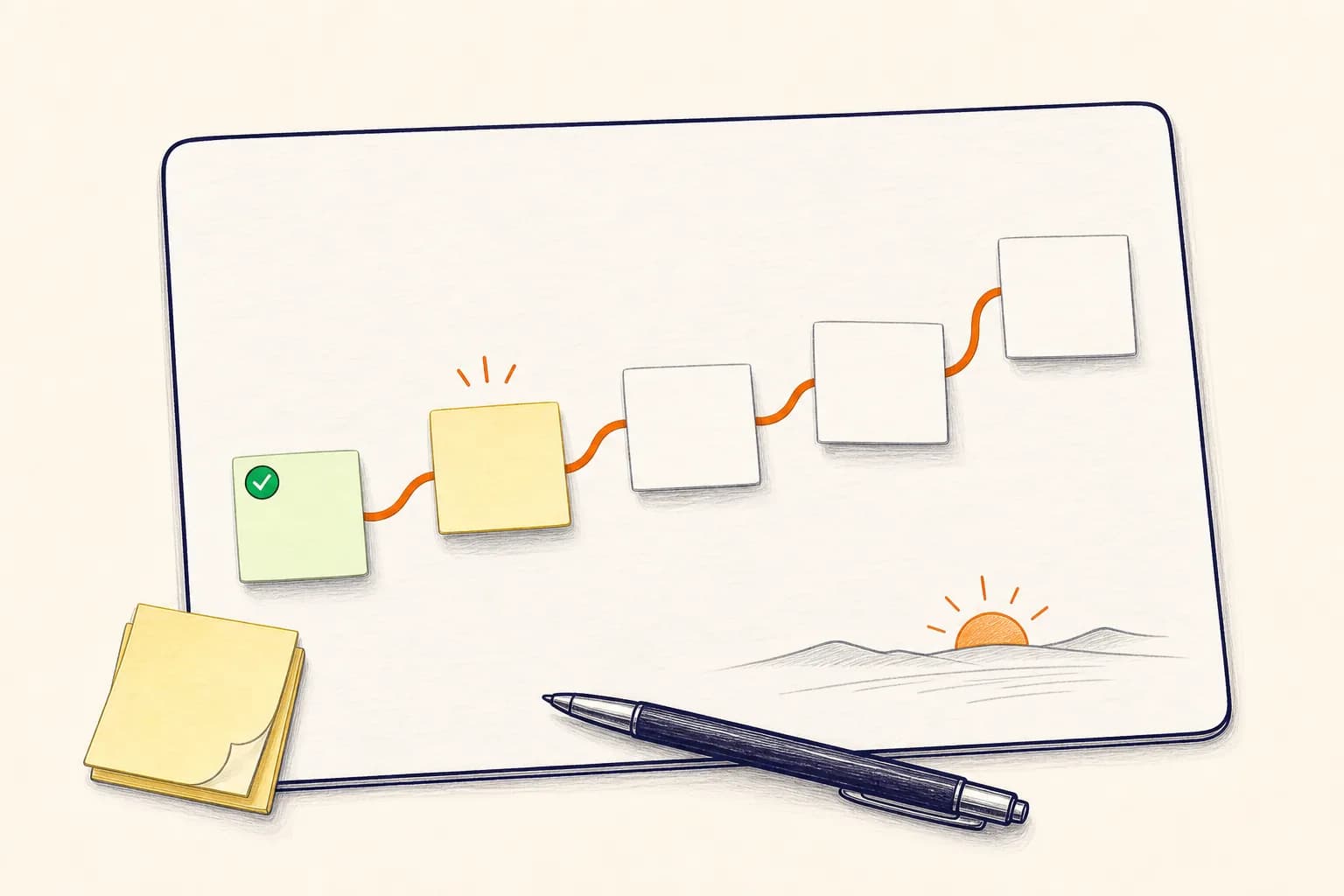
A hand-drawn organization board with blank task notes connected into one orange route
The comparison that matters: how quickly a pile becomes a route you can follow.

What to compare

TodoTrail
Daily plannerTime blockingWeekly plannerOrganization appsVisual todo listTask routesComparePricingBlogFeedbackPrivacyTermsSecurity

The best organization apps are judged on the days that go wrong, not the setup tour.

Any app can hold notes, projects, and to-dos. The telling moment is an interrupted Tuesday: does the tool show you where to pick back up, or does it hand you the same cluttered inbox you escaped from? The best organization apps shrink the decisions you face in those moments.

How it works

From open loop to clear route

01

Name where the day actually breaks

Do tasks live in too many inboxes? Do priorities get decided at 4 p.m.? Do you reopen the same list five times? Find the failure before shopping for a fix.

02

Match the app to the fix

Notes apps organize information. Calendars hold fixed time. To-do apps store tasks. Route planners like TodoTrail organize the day itself: what is current, what is next, and what is done.

03

Run one honest week

Test with real work, not sample data. If the app asks you to maintain more than it gives back, it has failed the test.

Built for the real day

What separates organization apps that stick

Most tools promise to organize everything. The useful ones are recognizable by four smaller qualities.

01

They reduce decisions, not just clutter

A tidy list that still requires you to decide what matters has only moved the problem. Useful organization turns the pile into an order you can follow.

02

They show the next action without a hunt

You should not need a search or a filter to answer what now. The current step belongs on the surface.

03

They survive a changed day

Interruptions, late meetings, and new priorities are normal. The tool should let the plan bend without losing what was already done.

04

They keep progress visible

Finished work that vanishes makes a day feel empty. Seeing the completed trail is part of the payoff.

A good fit for

Plans that need to move, not pose

Scattered workdays

Notes, messages, and meetings leave tasks in too many places. One daily route gives them an order.

People between systems

You have tried databases, boards, and lists. A visual canvas keeps organization light enough to repeat.

Mixed work and personal days

Errands, follow-ups, and focused work can share a route without becoming one endless list.

Route principle

The point of organization is not a place for everything. It is a clear next step.

A system can store everything and still leave you stuck. The best organization apps make the current day legible and the next action obvious.

Practical questions

Before you put the day on a route

What is the best organization app overall?

There is no single winner for everyone. The right app depends on where your day breaks down. If tasks scatter and priorities are unclear, a visual daily route can help. If shared files and notes are the problem, a document-first tool is a better fit.

How is TodoTrail different from other organization apps?

TodoTrail is a visual daily route planner rather than a storage system. Tasks sit on a canvas in the order they will happen, one task stays current, and finished work remains visible.

Can one app organize both work and personal life?

Yes. Many people keep one daily route that mixes both. The useful rule is to keep the route short enough that work and home do not blur into one long list.

What should make me skip an organization app?

Skip it when entering and maintaining information costs more than the clarity it returns. If planning feels like a second job, the tool is the job.

Keep exploring

Choose the planning view that fits

Daily planner appA daily planner app that shows the way forwardDigital planner appA digital planner that feels easy to return toWeekly planner appPlan the week one clear day at a time

Start with today

Turn the next few tasks into a route.

No new system to maintain. Just a clearer way to begin.

Create my first route