TodoTrail
How it worksLive demoPricingBlog
Sign inCreate my first route

Daily planner app

A daily planner app that shows the way forward

Put the work that matters today on one canvas, choose the order once, and move through it without reopening the same long list.

Create my first route See a sample route
  • Visual task route
  • Flexible drag-and-drop canvas
  • Current, next, and done states
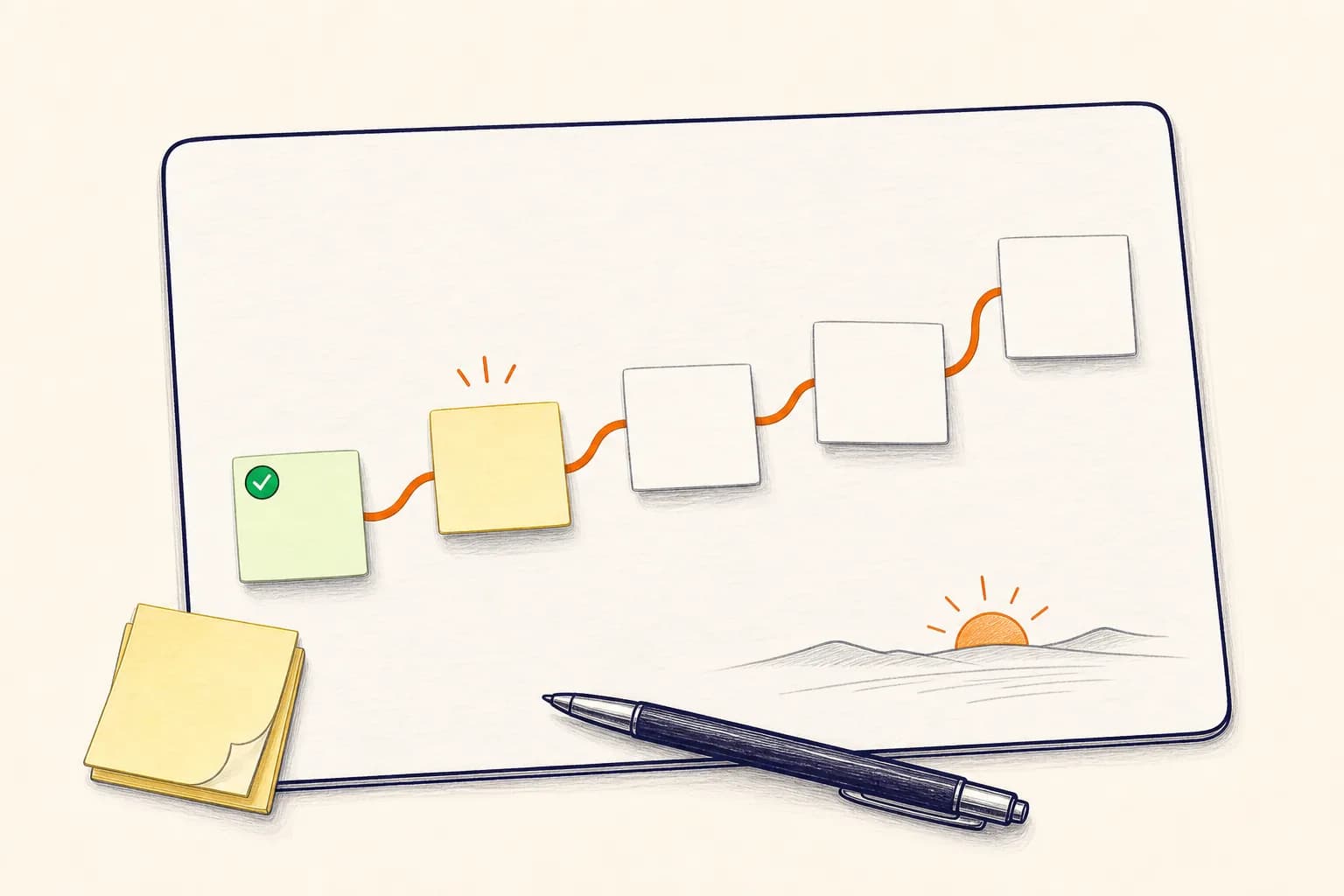
  • A hand-drawn daily planning board with five blank task notes connected by an orange route
    One route for the work that needs to move today.

    A smaller daily plan

    Your day needs an order, not another pile.

    Most task apps are good at collecting work. The harder part is deciding what deserves attention now. TodoTrail gives today's short list a shape: a beginning, a current step, and a visible finish.

    How it works

    From open loop to clear route

    01

    Choose today's real work

    Bring over the few tasks that can realistically move today. Leave the backlog outside the route so it stops competing for attention.

    02

    Arrange the route

    Drag each note into the order that makes sense. Preparation, focused work, calls, and follow-up can sit on the same path.

    03

    Keep one step current

    Mark what you are doing now, then move the current state forward as work is completed. The route remembers what comes next.

    Built for the real day

    A visual planner without the planning overhead

    TodoTrail keeps the daily ritual light enough to repeat. It is designed for the moment between knowing what matters and actually starting.

    01

    See sequence at a glance

    Task position and route lines show the intended order without turning the day into a rigid schedule.

    02

    Edit without rebuilding

    Move a note, change its content, or update its status while the rest of the route stays in place.

    03

    Keep progress visible

    Completed steps remain on the canvas, so the day does not look empty the moment something is finished.

    04

    Return without reorienting

    After a meeting or interruption, the current note gives you a clean place to restart.

    A good fit for

    Plans that need to move, not pose

    Focused workdays

    Sequence research, drafting, review, and delivery without carrying the whole project backlog.

    Meeting-heavy days

    Keep preparation and follow-up next to the meeting they belong to.

    Personal admin

    Put errands, forms, calls, and home tasks into a route that is easy to resume.

    Route principle

    Plan the route, not every minute.

    A useful daily plan should make the next action obvious while leaving enough room for the day to change.

    Practical questions

    Before you put the day on a route

    Is TodoTrail a calendar replacement?

    No. TodoTrail is a route-first daily planner. Keep fixed appointments in your calendar, then use TodoTrail to map the work around them.

    Can I change the order during the day?

    Yes. The canvas is flexible, so you can move tasks and reshape the route without losing the progress already visible.

    What should go on a daily route?

    Use concrete tasks that can move today. A short route of clear actions works better than copying an entire backlog onto the canvas.

    Keep exploring

    Choose the planning view that fits

    Daily planning methodPlan the day before it starts pulling at youDaily schedule plannerPlan the work between the appointmentsDigital planner appA digital planner that feels easy to return to

    Start with today

    Turn the next few tasks into a route.

    No new system to maintain. Just a clearer way to begin.

    Create my first route
    TodoTrail
    Daily plannerTime blockingWeekly plannerPricingBlogFeedbackPrivacyTermsSecurity