TodoTrail
How it worksLive demoPricingBlog
Sign inCreate my first route

Time blocking planner

Build a time-blocking plan you can follow

Plan less around an ideal day and more around the next useful block of work. Each route stays small, visible, and easy to adjust.

Create my first route See a sample route
  • Outcome-first planning
  • Short, realistic routes
  • Clear stopping points
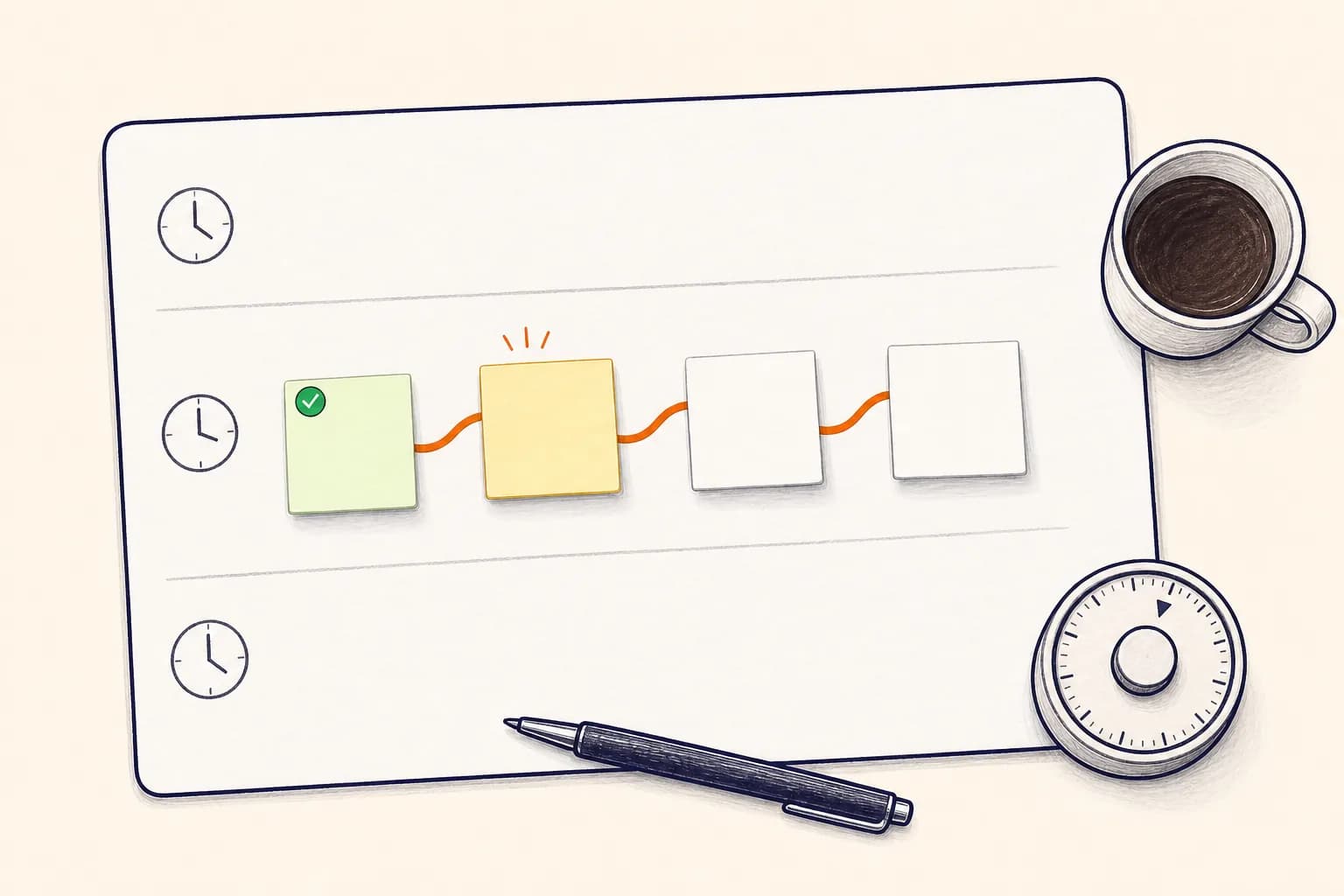
  • A paper time blocking planner with one highlighted route of blank task notes and a simple timer
    A practical plan for the work inside the block.

    A workable method

    Start with what the block must move.

    The best time-blocking plan is not the one with the most perfect grid. It is the one that turns available attention into visible progress. Begin with an outcome, then map only the actions needed to reach it.

    How it works

    From open loop to clear route

    01

    Choose one result

    Give the block a finish you can recognize. Replace vague labels like 'project work' with a concrete result.

    02

    Estimate the route, not the fantasy

    Include setup, transitions, and review. A realistic three-step route is more useful than eight tasks that never had room.

    03

    Leave the next start clean

    End by marking what was completed and naming the next action. Tomorrow should not begin with detective work.

    Built for the real day

    A simple time-blocking routine

    Use TodoTrail before, during, and after a focus block. The same route carries the plan, the current state, and the handoff.

    01

    Before the block

    Choose the outcome and arrange the smallest useful sequence of tasks.

    02

    During the block

    Keep one note current and let the route hold the rest of the decisions.

    03

    When the plan changes

    Move or rewrite the affected note without throwing away the entire session plan.

    04

    At the stopping point

    Review the completed path and leave one precise action ready for the next block.

    A good fit for

    Plans that need to move, not pose

    One-hour focus blocks

    Use a compact route for a meaningful piece of writing, analysis, or production.

    Project sprints

    Give a short sprint a visible beginning, build sequence, and review step.

    Recovery blocks

    Batch the small tasks that accumulated during a busy week without letting them scatter.

    Route principle

    Do not fill the block edge to edge.

    Leave room for setup, interruptions, and a clean finish. A plan with breathing room is easier to trust.

    Practical questions

    Before you put the day on a route

    What is the difference between time blocking and timeboxing?

    Time blocking reserves part of the day for a type of work. Timeboxing adds a firm stopping point. TodoTrail can map the task sequence inside either approach.

    Should every task have its own block?

    Not necessarily. Related actions often work better as one route inside a broader focus block.

    What happens when a block runs out?

    Keep the current note visible, mark what finished, and decide whether the remaining route should move, shrink, or stop.

    Keep exploring

    Choose the planning view that fits

    Time blocking appGive every focus block a clear routeDaily planning methodPlan the day before it starts pulling at youDaily schedule plannerPlan the work between the appointments

    Start with today

    Turn the next few tasks into a route.

    No new system to maintain. Just a clearer way to begin.

    Create my first route
    TodoTrail
    Daily plannerTime blockingWeekly plannerPricingBlogFeedbackPrivacyTermsSecurity